



Let’s talk about something most developers avoid: actual numbers.
I’m Bleskim, a full-stack developer who’s been building websites professionally for 5 years through my agency Cyprogram. I’ve built everything from simple landing pages to complex e-commerce platforms, and I charge anywhere from $500 to $2,000+ depending on the project.
Here’s the truth nobody talks about: learning how to price websites properly was harder than learning to code. I’ve undercharged, I’ve lost money on projects, and I’ve had clients tell me “my nephew can do it for $100.” But after building dozens of sites and tracking what actually works, I’ve developed a website pricing guide that attracts better clients and keeps my business profitable.
In this post, I’m breaking down exactly what I charge, what clients get at each price point, and the real factors that determine whether a website costs $500 or $2,000. No fluff, no generic advice just real numbers from my actual projects.
Table of Contents
My Website Pricing Structure: The Real Breakdown
Here’s how my website pricing guide works. I don’t have a one-size-fits-all rate because honestly, that doesn’t make sense. A simple portfolio site shouldn’t cost the same as an e-commerce platform with payment integration.
$500 Websites: What You Actually Get
What’s included:
- 5 pages maximum
- Simple, clean design
- Mobile responsive
- Basic SEO setup
- Contact forms
- Timeline: 1 week max
- Tools: Usually WordPress (makes work faster) or custom code depending on client needs
Real examples from my portfolio:
- mclevioflife.com – clean portfolio site for an eventhost in the USA
- medproexpeditions.com – service business landing page FOR Yacht rentals in Newyork
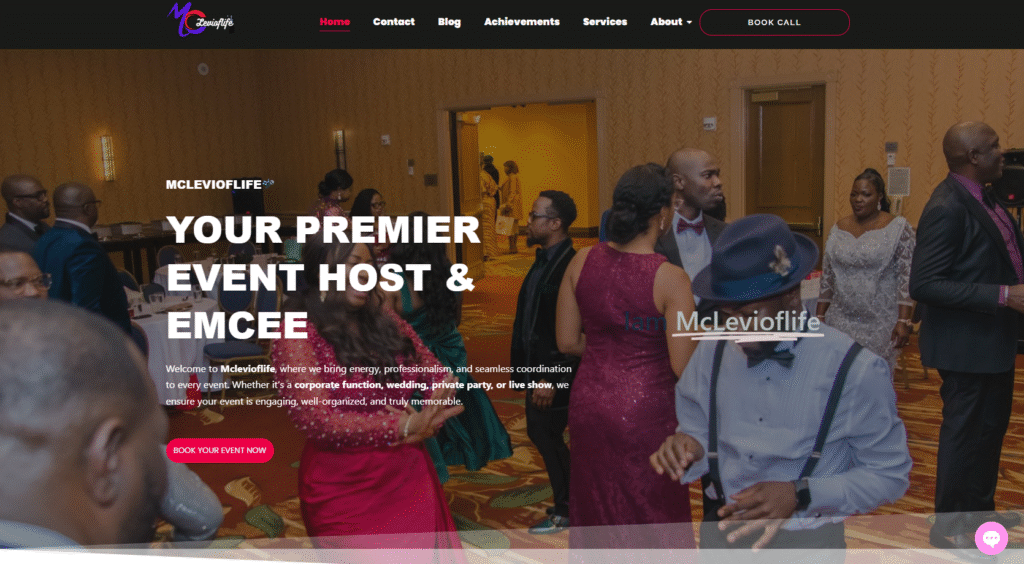

These are straightforward projects. No backend complications, no custom functionality, no payment systems. The client wants a professional online presence, and I deliver exactly that. WordPress makes these projects faster to build, which is why I can offer this pricing without losing money.
Here’s what people don’t understand: a $500 website isn’t “cheap work.” It’s focused work. I know exactly what’s included, the scope is clear, and there’s no feature creep. These projects take me about 15-20 hours total when you factor in client meetings, revisions, and setup.
$1,000-$2,000+ Websites: Where Complexity Comes In
Once you move past basic websites, pricing gets more interesting. Here’s my website pricing guide for complex projects:
What justifies $1,000-$2,000+:
- More than 10 pages
- E-commerce functionality
- Custom backend work
- Payment integration (Stripe, PayPal)
- Member areas or login systems
- Blog platforms with CMS
- Donation systems for NGOs
- Advanced SEO implementation
- E-learning platforms
- Online booking systems
- Timeline: 2 weeks to 1 month
- Tools: Mix of WordPress, custom React.js, Node.js, and Supabase for backend
Real examples from my portfolio:
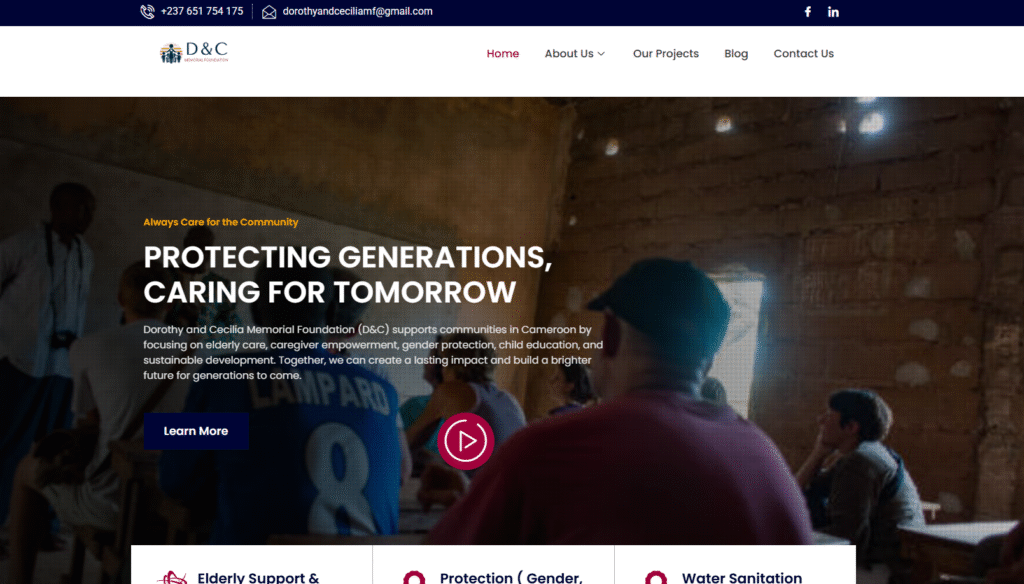
- dorothyandceciliamemorial.org – NGO site with donation system
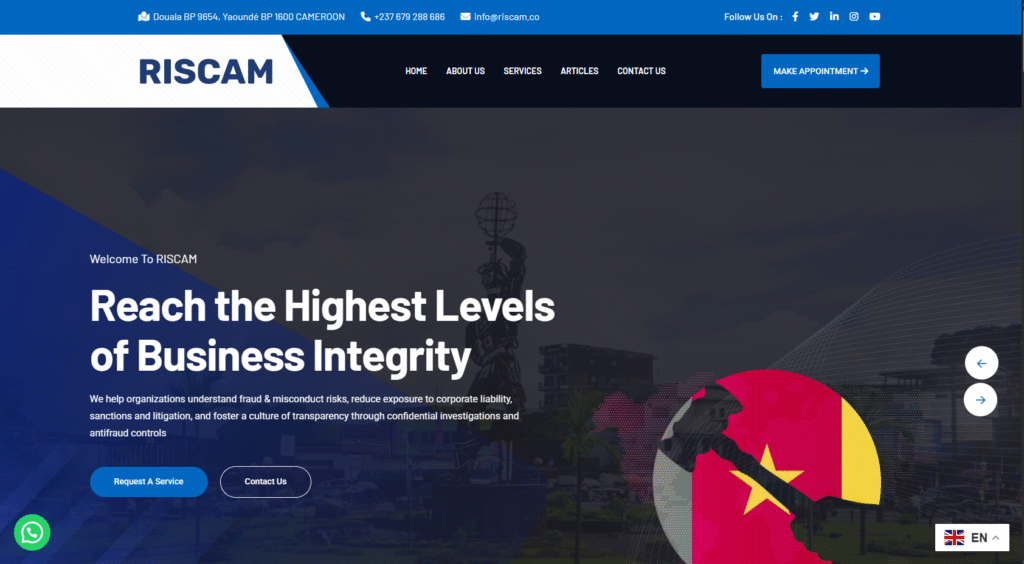
- riscam.co – cyber security site and insurance in cameroon
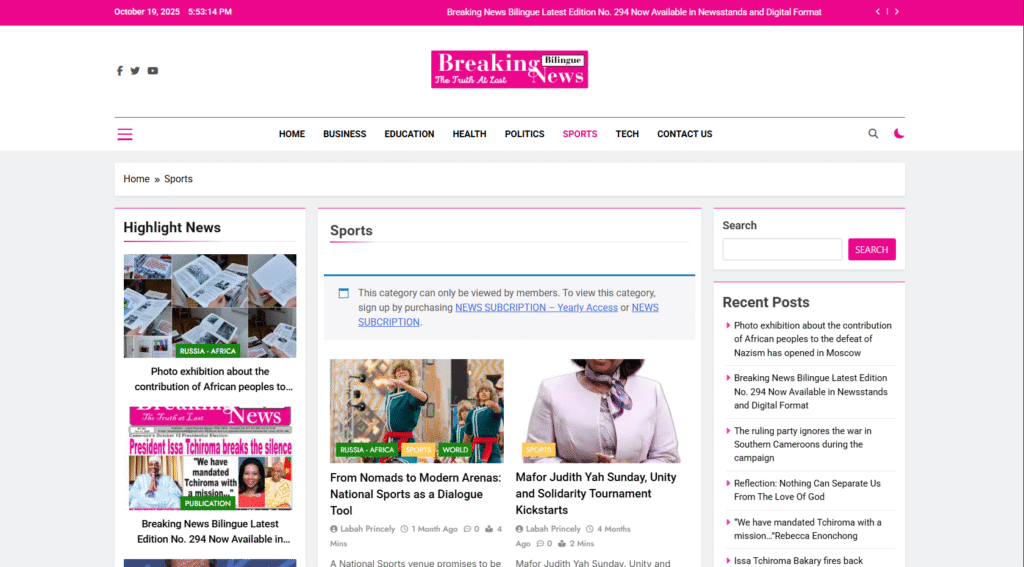
- breakingnewsbilingue.com – news/blog platform
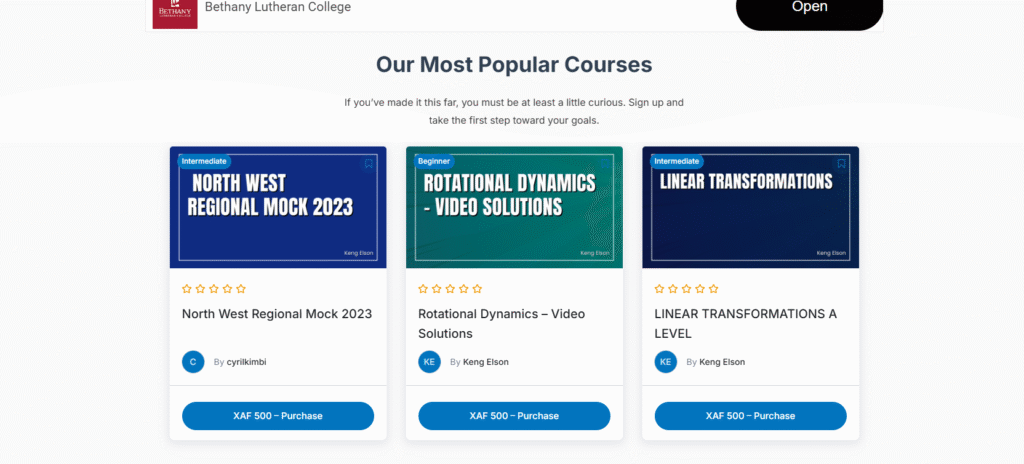
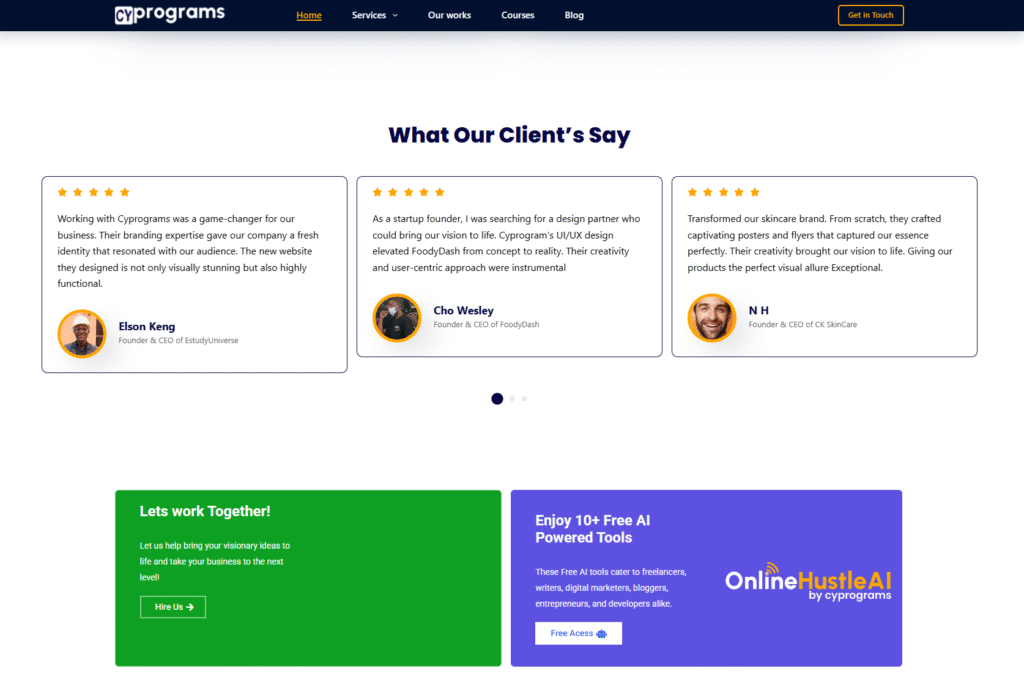
- estudyuniverse.com – e-learning platform
- acadexcognitive.com – educational site with custom features
These projects require serious backend work. I’m not just designing pages I’m building functionality. Payment systems need to be secure. Member areas need authentication. E-commerce sites need inventory management, shopping carts, and checkout flows that actually convert.
The timeline reflects this complexity. A project like the Dorothy and Cecilia Memorial site took nearly a month because we needed secure donation processing, content management for multiple page types, and SEO optimization for nonprofit visibility.
The $800-$1,500 Middle Ground: What Moves the Price?
This is where my website pricing guide gets specific. Here are the exact factors that determine pricing between basic and complex:
1. Scope – What’s Actually Included
- $800: Basic project with 6-8 pages, slight customization beyond template
- $1,200: Medium project with custom design, 10+ pages, some integrations
- $1,500+: Full project with custom features, multiple integrations, strategy included
2. Complexity – How Hard Is The Work?
Using a WordPress template? That’s faster and cheaper. Building custom animations with React? That takes time and skill. Here’s what adds complexity:
- Custom design vs. template modification
- API integrations (connecting to third-party services)
- Custom forms with conditional logic
- Advanced animations and interactions
- Database setup and management
- Multi-language support
3. Value – What’s The Business Impact?
This is the part most developers miss in their website pricing guide. A site that generates leads or drives sales is worth more than a site that just “looks nice.” Value factors include:
- SEO optimization (I use tools like Yoast and manual optimization)
- Conversion optimization (strategic CTAs, user flow)
- Ongoing support and maintenance packages
- Training the client to manage their content
- Performance optimization for speed
I learned this the hard way. Early on, I priced purely by hours worked. Now I price by the value the site creates for the client’s business.
My Biggest Pricing Mistakes (And What I Learned)
Let’s talk about the failures because that’s where the real learning happens.
Undercharging Early On
I took on a project that seemed simple just a basic business site. But the client kept adding “small requests”: extra pages, new features, more revisions. By the end, I’d worked way more hours than planned and realized I’d priced way too low. I was making less than minimum wage when I calculated my actual hourly rate.
What I learned: Track everything. Every revision, every extra feature request, every client call. Once I started tracking my actual time, I realized which projects were profitable and which ones were bleeding me dry.
Not Understanding Value vs. Time
Here’s my controversial take that most developers won’t admit: we undercharge because we confuse hours worked with value delivered.
Many developers feel guilty charging what their work is actually worth. They think “but it only took me 10 hours” without considering that a site driving thousands in monthly sales is worth way more than 10 hours of labor.
A website that generates leads, builds brand authority, or enables online sales can easily justify higher pricing. The site I built for riscam.co enables their entirecyber security business. That’s not a $500 value that’s a business foundation worth thousands.
My pricing philosophy now: I price for value, not time. This attracts better clients who understand ROI and leads to healthier projects where everyone wins.
How I Handle Different Client Types
My website pricing guide adapts based on client type because different businesses have different needs and budgets.
Local Businesses
Usually want simple sites brochures or service pages showcasing what they do. Budgets are typically $500-$1,000. These clients value speed and simplicity over cutting-edge features.
Startups
Need scalability, professional branding, and the ability to grow. They pay $1,000-$2,000+ because they understand the site needs to support rapid growth and changes. They value flexibility and future-proofing.
E-Commerce Clients
Invest the most because the website directly impacts revenue. Custom design, secure payment systems, inventory management, and SEO all add up. These projects start at $1,500 and can go much higher depending on complexity.
I price based on complexity and business value. A local bakery needs different features than a startup selling software subscriptions.
Dealing With Price Objections (The “My Nephew” Conversation)
Every developer faces this: “My nephew can build it for $100 on Fiverr.”
Here’s how I handle it. I stay calm and professional:
“That’s totally fine it really depends on what level of quality and long-term reliability you’re looking for. My pricing reflects professional code, responsive design, SEO setup, and post-launch support.”
This positions me as a professional, not a hobbyist competing on price. The clients who value quality stay. The ones who just want cheap leave, and honestly, those weren’t my ideal clients anyway.
The most common objection is “That’s higher than I expected.”
I handle this by breaking down exactly what’s included:
- Professional design that builds trust
- Clean, maintainable code
- Mobile responsive (works on all devices)
- SEO foundation so people can find them
- Security setup
- Revisions and feedback rounds
- Post-launch support
- Training on how to update content
Once clients see the full scope and long-term value, most understand the price. If they still push back, I know they’re not the right fit.
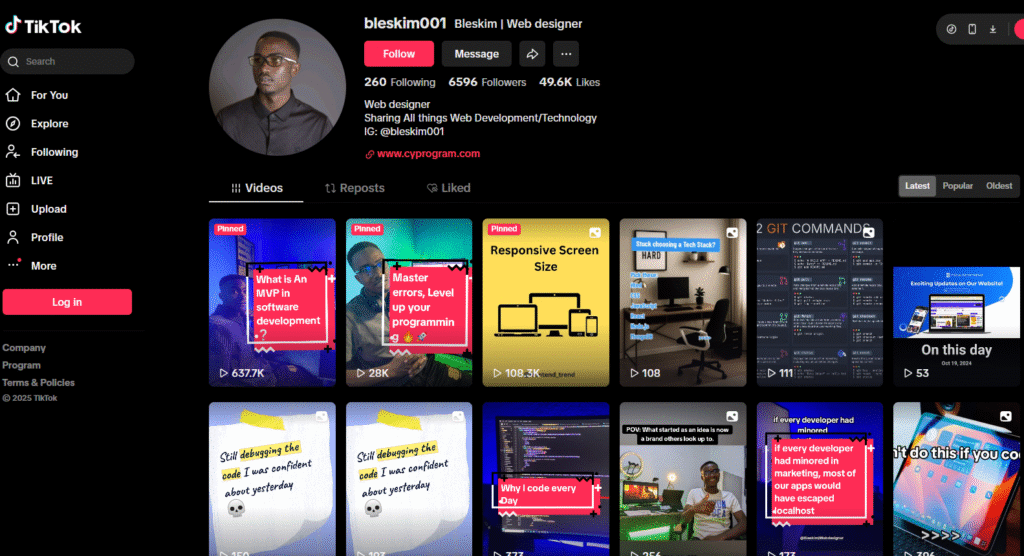
You can see exactly how I approach clients by checking out my cold calling content on @bleskim001 on TikTok and Instagram, or visit Cyprogram to see my full portfolio.
My Payment Structure (And Why 50% Upfront Is Non-Negotiable)
Here’s my payment structure that protects both me and the client:
50% upfront before starting any project This secures the client’s commitment and covers initial design and setup work. It proves they’re serious and prevents me from doing free work for people who disappear.
50% due upon project approval or before final handover The remaining payment comes when the site is approved and ready to launch, or right before I hand over the final files.
Why I Learned This The Hard Way
Early on, I trusted verbal promises. I’d start projects based on handshake agreements. Big mistake. I’ve been burned by payment delays when clients suddenly “needed more time” or “had budget issues” after I’d already done the work.
Now everything is in writing. No exceptions.
If a client insists on paying after completion, I explain that upfront payment protects both sides:
- They’re guaranteed progress updates and deliverables
- I’m guaranteed my time investment is valued
- Professional boundaries keep the project smooth
This approach has eliminated 99% of payment headaches. The 1% who refuse upfront payment? They’re usually the clients who would have caused problems anyway.
Preventing Scope Creep: My Contract Strategy
Scope creep nearly killed my business early on. A client kept adding “just one more thing” without extra pay, and the project spiraled out of control.
How I prevent this now:
Clear Contract Deliverables
My contracts explicitly define:
- Number of pages included
- Specific features (contact form, blog, e-commerce, etc.)
- Number of revision rounds (usually 2-3)
- Timeline and milestones
- What’s NOT included
Additional Work = Additional Cost
The contract states clearly: any extras beyond the defined scope are billed separately. I either charge hourly for additional work or quote per feature, depending on the request.
Communication Throughout
I keep clients updated on progress and flag potential scope changes immediately. “Hey, what you’re asking for isn’t included in our original scope. We can definitely add it for $X. Want me to send an updated quote?“
This transparency prevents surprises and maintains professional boundaries. Most clients respect this approach because it’s fair to everyone.
You can learn more about my full tech stack and workflow in my post about Web Design Agency Tech Stack – Real Experience.
WordPress vs Custom Code: How It Affects My Pricing
Here’s something controversial: WordPress has made me more money than coding everything from scratch.
I use both approaches depending on the project. For simple $500 sites, WordPress with a quality theme on Hostinger is fast and reliable. Why would I charge a local business $2,000 for custom React code when WordPress delivers exactly what they need?
For complex projects requiring custom functionality, I build with React.js on the frontend, Node.js or Python on the backend, and Supabase for the database. These projects justify higher pricing because I’m building unique solutions.
The key is being honest with clients about what they actually need. Some developers push custom code for everything because it sounds more impressive. I push whatever solves the client’s problem best.
If you’re curious about AI tools that can speed up development work, check out my posts on Best AI Website Builders and Top AI Tools for Small Businesses.
My Real Project Volume and Average Pricing
Here are my actual numbers over the past year:
Monthly volume:
- 2-3 smaller projects at $500-$800
- 1-2 larger projects at $1,500-$2,000+ every few months
Average project value: $1,200-$1,500
This gives me a sustainable workload without burning out. I’m not churning out 10 cheap websites a month I’m building quality projects that I’m proud to show in my portfolio.
How My Pricing Has Evolved
Over five years, I’ve increased my prices gradually usually 10-20% every 1-2 years. This reflects:
- Improved skills and faster workflow
- Better quality work and design sense
- Stronger portfolio with proven results
- Understanding of business value vs. just hours worked
When you’re starting out, charging less makes sense to build your portfolio. But don’t stay there. As your skills improve and your portfolio grows, your pricing should reflect that growth.
Why Someone Should Pay Me $2K Instead of Using Fiverr
This question comes up constantly in my website pricing guide conversations.
Here’s my honest answer:
My pricing reflects quality, customization, and long-term value. Unlike cheaper options like Fiverr, I deliver:
- Professional design that builds trust and converts visitors
- Clean, maintainable code (not spaghetti code that breaks)
- Ongoing support when something goes wrong
- SEO foundation so the site actually gets found
- Security setup to prevent hacks
- Training so clients can manage their content
Clients aren’t just paying for a quick fix they’re investing in their business foundation. The website represents their brand online. It needs to work reliably, look professional, and drive actual results.
Cheap work costs more in the long run when the site breaks, gets hacked, or needs to be rebuilt from scratch.
The Website Pricing Guide Nobody Tells You
Here’s what I wish someone had told me five years ago:
- Price for value, not time. The business impact matters more than hours worked.
- Your pricing filters clients. Charge $300 and you get nightmare clients. Charge $1,500+ and you get professionals who respect your expertise.
- Track everything. You can’t improve your pricing without knowing your actual costs and time investment.
- Contracts save relationships. Clear scope prevents misunderstandings and maintains professional boundaries.
- It’s okay to say no. Not every project is worth taking, even if they’re willing to pay.
- Increase prices regularly. If you’re not raising prices as your skills improve, you’re undervaluing yourself.
- The cheapest competitor isn’t your competitor. Focus on value clients who understand quality, not bargain hunters.
My Project Management Tools
To keep projects profitable at these price points, I need efficiency. Here’s my stack:
- Design: Figma for all design work and client presentations
- Project Management: Notion for tracking tasks, client communication, and documentation
- Communication: Slack for quick client updates
- Hosting: Hostinger for client WordPress sites
- Deployment: Vercel for custom apps, AWS for complex projects
- Database: Supabase (currently loving it for quick backend setup)
Efficiency = profitability. The faster I can deliver quality work, the better my effective hourly rate.
Finding Clients at These Price Points
A common question: “Where do you find clients willing to pay $1,500-$2,000?”
My client sources:
- Cold calling – Direct outreach to businesses that need better websites (see examples on @bleskim001)
- Social media – 6.5K+ followers on TikTok and Instagram from daily tech content
- DMs – Reaching out to businesses with outdated websites
- Fiverr – Yes, even at higher price points (you can upsell clients who come from platforms)
- Referrals – Happy clients send more business my way
The key is positioning yourself as a professional, not a cheap alternative. My social media content shows my expertise, my portfolio proves I deliver results, and my pricing reflects the value I provide.
Check out Cyprogram to see my full portfolio and approach to client work.
Final Thoughts: Your Website Pricing Guide Should Evolve
My website pricing guide has changed dramatically over five years. I’ve learned that sustainable pricing isn’t about charging the most or the least it’s about charging what reflects your value while attracting clients you actually want to work with.
The $500-$2,000 range works for my business because:
- I can deliver quality at $500 without losing money
- I can justify $2,000+ with complex features and business value
- I have a clear framework for everything in between
Your pricing will be different based on your location, skills, and target market. But the principles remain: know your costs, understand value, communicate clearly, and don’t be afraid to charge what you’re worth.
Want to see more about how I run my agency? Follow @bleskim001 on TikTok and Instagram, or visit Cyprogram for my portfolio and services.
FAQs: Website Pricing Guide
How do I determine my website pricing as a new developer?
Start by tracking your actual time on projects to understand your true costs, then research competitor pricing in your market. As a new developer, it’s okay to charge less initially to build your portfolio around $300-$500 for simple sites but increase your prices every 3-6 months as your skills and portfolio improve. Focus on delivering value, not just competing on price, and clearly define what’s included in your website pricing guide to prevent scope creep that kills profitability.
What’s the difference between $500 and $2000 website pricing?
The main differences in website pricing are scope, complexity, and business value. A $500 website typically includes 5 pages max, simple design, and no backend complexity perfect for basic portfolios or landing pages. A $2,000 website includes 10+ pages, custom functionality like e-commerce or payment integration, advanced SEO, member areas, and ongoing support. The timeline reflects this: $500 sites take about a week while $2,000+ sites can take 2 weeks to a month depending on features and integrations required.
How do I handle clients who say my website pricing is too high?
When clients question your website pricing, break down exactly what’s included: professional design, clean code, mobile responsiveness, SEO setup, security, revisions, and post-launch support. Explain that quality work prevents expensive rebuilds and delivers long-term value through lead generation and sales. Stay professional and confident if they’re only comparing price to cheaper alternatives like Fiverr, they may not be your ideal client. Focus on attracting clients who understand ROI and value professional expertise over lowest-cost options.
Ready to discuss your website project? Visit Cyprogram or follow @bleskim001 on TikTok and Instagram for more real developer insights and pricing strategies.
Read more on Web Development here
Read more: How Much I Really Charge for Websites ($500-$2,000 Breakdown)