



Table of Contents
Running a web design agency isn’t just about knowing how to code. It’s about having the right web design agency tech stack that lets you deliver quality work fast, keep clients happy, and actually make money.
I’m Bleskim, Co-founder of Cyprogram, and over the past 5 years I’ve built hundreds of websites and softwares for clients. I’ve tried countless tools, wasted money on the wrong ones, and finally landed on a tech stack that actually works for my web design agency.
Here’s everything I use to run my agency, what each tool costs, and the mistakes I made so you don’t have to.
My Complete Web Design Agency Tech Stack
Development Tools
React.js – My Go-To Frontend Framework
When I need full control and custom functionality, React.js is my weapon of choice for the web design agency tech stack. It’s perfect for web applications, dashboards, and complex interactive sites. The component-based architecture means I can reuse code across projects, which saves me hours of development time.
Node.js & PostgreSQL/Firebase/Supabase – Backend Power
For backend work in my web design agency, I run Node.js with different databases depending on project needs. PostgreSQL for complex relational data, Firebase for real-time features and authentication, and lately I’ve been loving Supabase. Supabase gives me the power of PostgreSQL with a Firebase-like developer experience. Game changer for any web design agency tech stack.
WordPress – The Money Maker
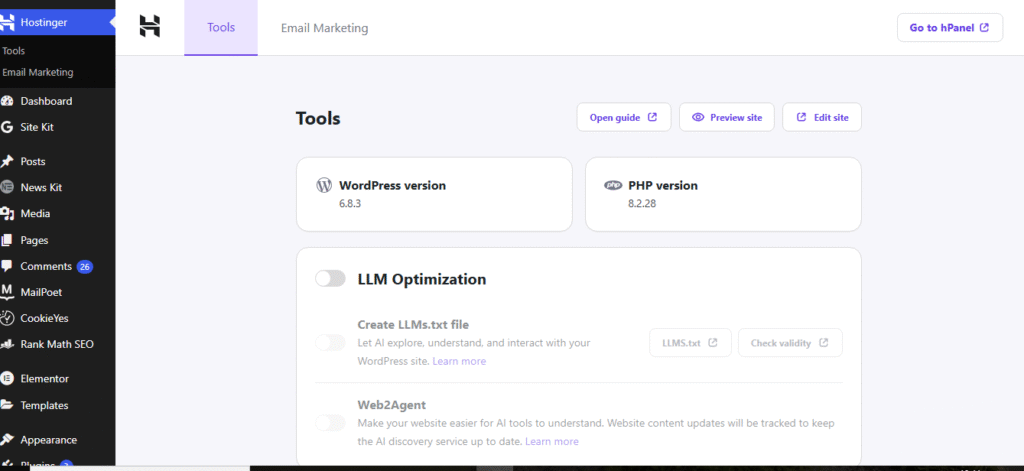
Here’s the truth nobody talks about: learning WordPress made me MORE money than just coding everything from scratch. Why? Because I can deliver client sites 3x faster using quality templates and still charge $500-$2,000 per project depending on complexity.
Clients don’t care if you hand-coded every pixel. They care about results, speed, and cost. WordPress lets me satisfy all three. It’s an essential part of my web design agency tech stack.
Hosting & Deployment in My Web Design Agency Tech Stack
Vercel – For React/Next.js Projects
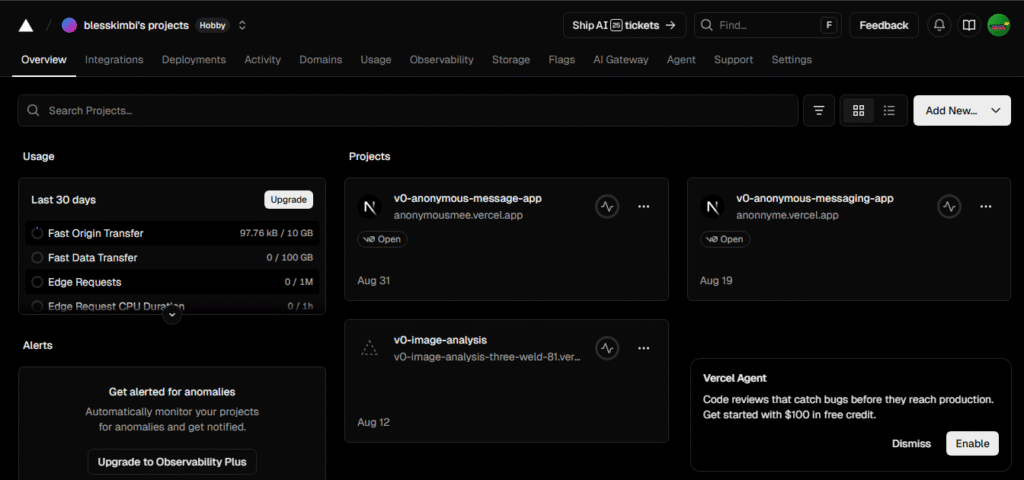
Vercel is ridiculously easy. Push to GitHub, automatic deployments, done. For modern web apps and React projects in my web design agency, this is my default choice. The free tier is generous enough for small projects, and scaling up is seamless.
AWS – When I Need More Control
For larger enterprise clients or projects with specific requirements, I use AWS (Amazon Web Services). It’s more complex to set up, but the flexibility and scalability are unmatched in a professional web design agency tech stack.
Hostinger – Client WordPress Hosting

For WordPress sites, I host most client projects on Hostinger. It’s affordable, reliable, and has good enough performance for most business websites. Clients appreciate that hosting costs stay reasonable. A solid choice for any web design agency tech stack.
Design & Project Management
Figma – Design Collaboration
Every project in my web design agency starts in Figma. I create mockups, get client approval, and hand off designs to development. The collaboration features mean clients can comment directly on designs, which cuts down endless email chains.
Notion – Project Documentation
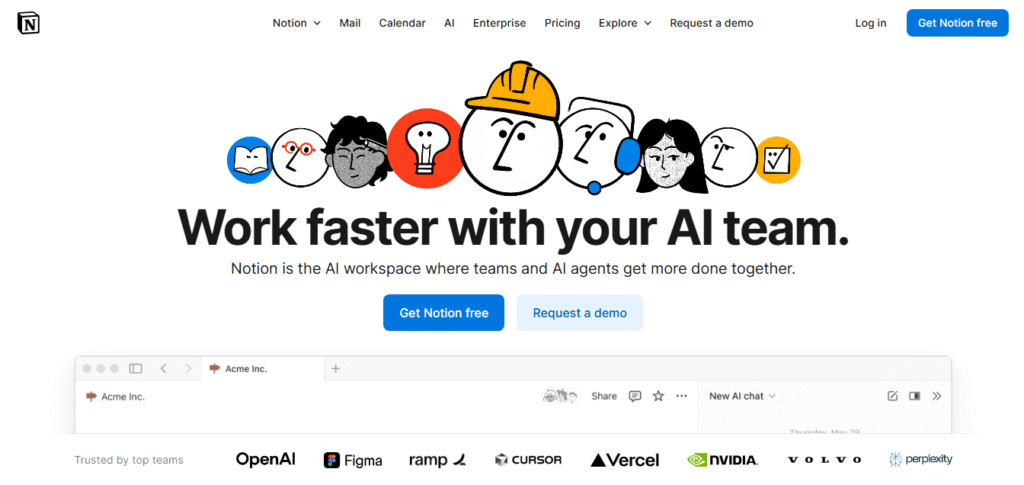
I use Notion to track all projects, client requirements, timelines, and documentation in my web design agency. It’s my second brain. Every client has a dedicated page with project specs, credentials, and notes.
Slack – Client Communication
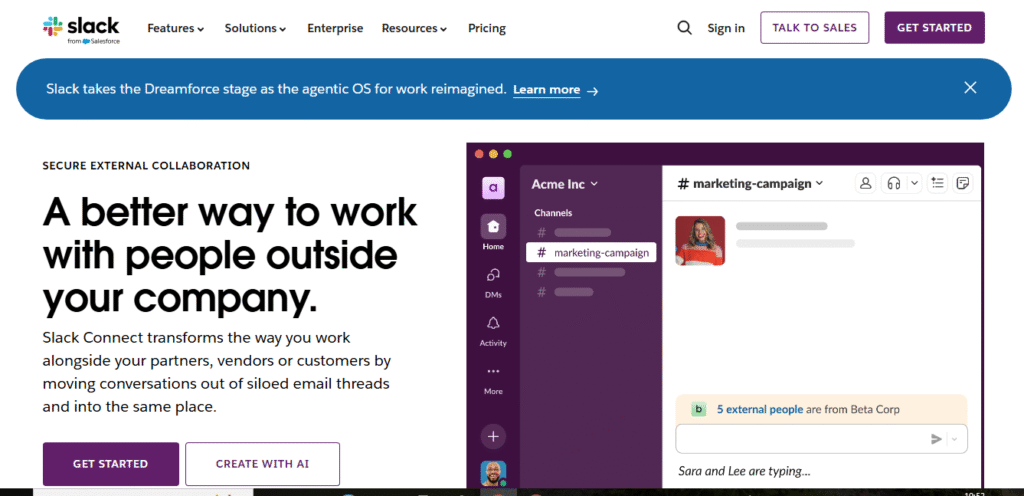
For active projects in my web design agency, I set up Slack channels with clients. It keeps communication organized and makes me look more professional than scattered emails.
Tools I Tried and Abandoned (Learn From My Web Design Agency Mistakes)
Adobe Dreamweaver – Waste of Money
I thought a professional tool from Adobe would elevate my web design agency. Wrong. The auto-generated code is an absolute mess. It doesn’t play nice with modern frameworks, and it’s expensive for what you get. Switched to VS Code and never looked back.
jQuery – Adding Unnecessary Weight
jQuery was essential years ago, but in 2025 it just adds unnecessary load to modern sites built by web design agencies. Modern JavaScript and frameworks like React handle everything jQuery did, but better. If you’re still using jQuery for new projects in your web design agency, it’s time to move on.
Wix – SEO Nightmare for Web Design Agencies
I tested Wix for a few client projects early on in my web design agency journey. The drag-and-drop was nice, but the SEO limitations killed it. Clients weren’t ranking, pages loaded slowly, and customization was limited. Switched to WordPress and never recommended Wix again for my web design agency.
The Real Costs of a Web Design Agency Tech Stack
Here’s what I actually spend monthly on my web design agency tech stack:
- Figma: $12/month (Professional plan)
- Notion: $10/month (Plus plan)
- Slack: Free tier works fine for small agencies
- Vercel: Free tier for most projects, $20/month when I need Pro features
- AWS: Varies by project, usually $50-200/month for active projects
- Supabase: Free tier for smaller projects, $25/month for Pro
- Hostinger: $3-10/month per client site
- Domain registrations: $10-15/year per domain
Total recurring costs for my web design agency: Around $100-150/month baseline, plus project-specific hosting.
When you’re charging $500-$2,000 per website, these web design agency tech stack costs are nothing. The key is choosing tools that save you TIME, not just money.
How I Actually Find Clients for My Web Design Agency
People always ask how I get clients for my web design agency. Here’s the real breakdown:
TikTok & Instagram (@bleskim001) – I post tech content showing my work, explaining concepts, and documenting my process. I’ve built 6.5K+ followers on TikTok, and I get regular DMs asking about web design services.
Cold Calling & DMs – Yes, I still do outbound outreach for my web design agency. I identify businesses with outdated websites in my area or google business profiles and reach out directly. It works.
Fiverr – Started here to build initial portfolio and credibility. Still get overflow work from the platform for my web design agency.
Referrals – Once you deliver quality work, clients refer others. This becomes your best source over time for any web design agency.
What I’d Tell My Younger Self About Running a Web Design Agency
If I could go back 5 years and give myself advice about building a web design agency tech stack:
Learn WordPress earlier. I wasted time thinking “real developers” only code from scratch. WordPress isn’t less legitimate – it’s more profitable when used correctly in a web design agency.
Don’t chase every new tool. I tried way too many project management tools, design apps, and frameworks. Pick solid tools for your web design agency tech stack and master them.
Charge more. I underpriced my work for the first two years. If you’re solving real business problems with your web design agency, $500-$2,000 per site is completely reasonable.
Focus on speed AND quality. Clients want both. Templates aren’t cheating if you customize them well and deliver results in your web design agency.
Build in public. Posting my work on social media has brought me more clients than any paid advertising ever could for my web design agency.
My Current Web Design Agency Workflow
Here’s how a typical project flows in my web design agency:
- Client reaches out (social media, referral, or cold outreach)
- Discovery call to understand needs
- Create mockups in Figma or Canva
- Get client approval
- Build in WordPress (for standard sites) or React (for custom apps)
- Deploy to Hostinger (WordPress) or Vercel (React apps)
- Document everything in Notion
- Train client on how to update their site
- Ongoing support and maintenance (if they want it)
The whole process typically takes 1-3 weeks depending on complexity.
The Bottom Line on Web Design Agency Tech Stacks
You don’t need expensive tools to run a successful web design agency. You need the RIGHT web design agency tech stack that:
- Saves you time
- Helps you deliver quality work consistently
- Doesn’t break the bank
- Scales as you grow
My web design agency tech stack isn’t fancy, but it lets me deliver $2K websites profitably while maintaining quality and keeping clients happy.
That’s all that matters.
Frequently Asked Questions:
What is the best tech stack for a web design agency?
The best web design agency tech stack depends on your services and clients. For my agency, I use React.js and Node.js for custom web applications, WordPress for standard business sites, Figma for design, and Notion for project management. This combination lets me deliver quality work quickly while keeping costs reasonable. The key is choosing tools that balance speed, quality, and profitability.
How much does it cost to run a web design agency tech stack?
My web design agency tech stack costs around $100-150 per month for baseline tools, plus project-specific hosting costs. This includes Figma ($12/month), Notion ($10/month), Vercel (free to $20/month), and Supabase (free to $25/month). When you’re charging $500-$2,000 per website, these costs are minimal compared to the time-saving benefits.
Should I use WordPress or code from scratch for my web design agency?
Both have their place in a web design agency tech stack. I use WordPress for standard business websites because it’s faster to deploy and clients can easily update content themselves. For custom web applications, dashboards, or complex functionality, I code from scratch using React and Node.js. WordPress isn’t less professional – it’s often more profitable because you can deliver quality sites faster.
Want to see my work or have questions about building your own web design agency tech stack? Check out Cyprogram.com or find me on TikTok/Instagram @bleskim001 where I post daily tech content.
What tools are you using for your agency or freelance work?
Drop a comment and let me know what’s working in your web design agency tech stack.